
















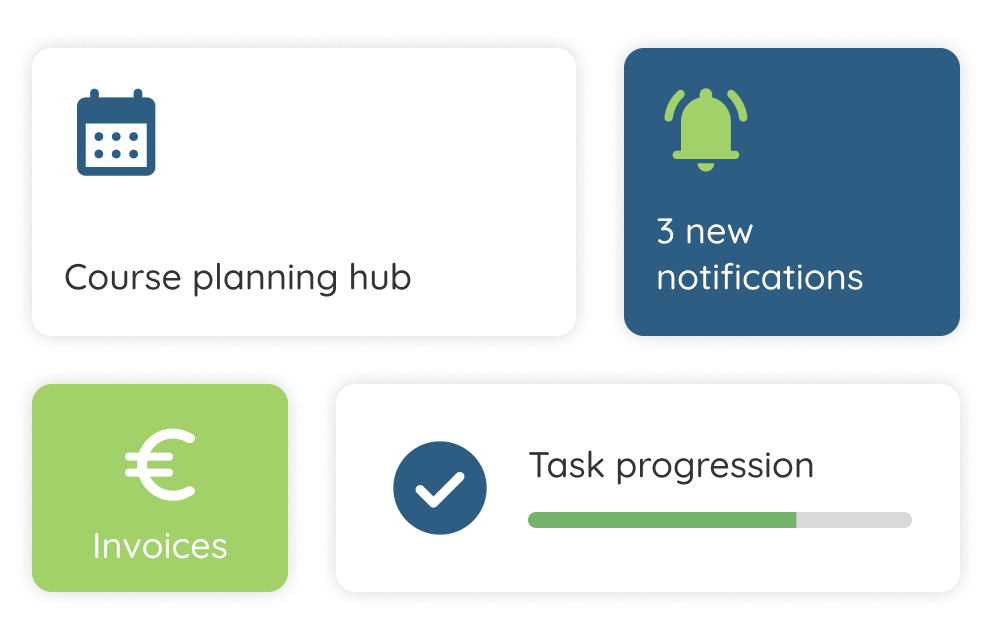
Make sure your training programs
are easy to find online
As a training provider, having a distinct brand identity matters. You can set up our portal to match your branding, and manage your course offering from the back office with a single checkbox.
The Training portal helps you with:
Real-time seat availability updates
Add your own branding
Offer your full course catalogue
Also publish pricing, scheduled time, and location
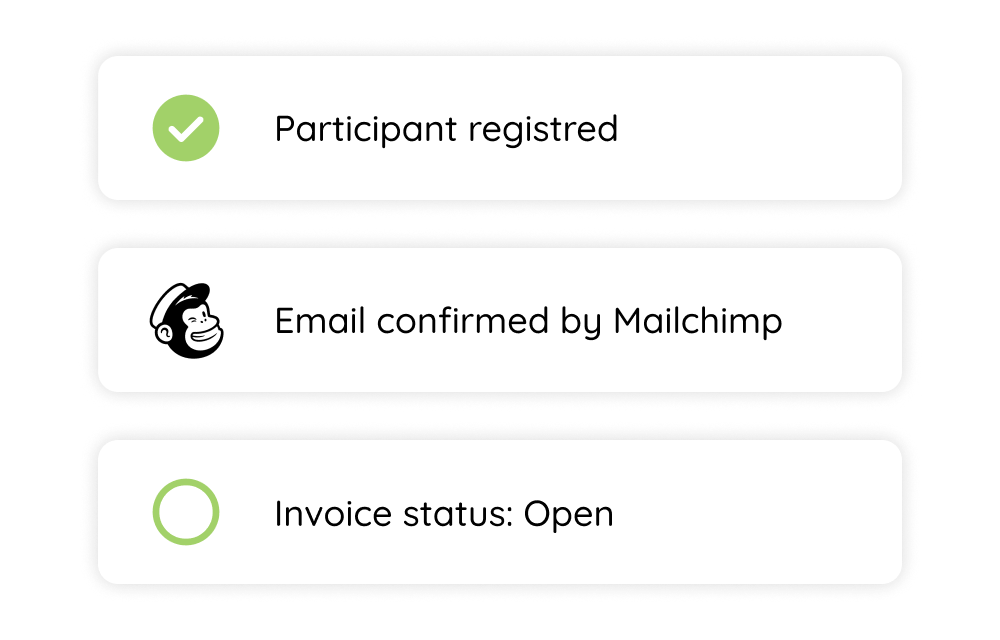
The efficiency of an online store
Send your customers to the Training portal. There, they can handle everything from signing up to paying, with the efficiency of an online store.
The Training portal helps you with:
Send invoices automatically
Enable learners to pay directly
Reduce Your No-Show Rate
Enroll in multiple training courses via the shopping cart
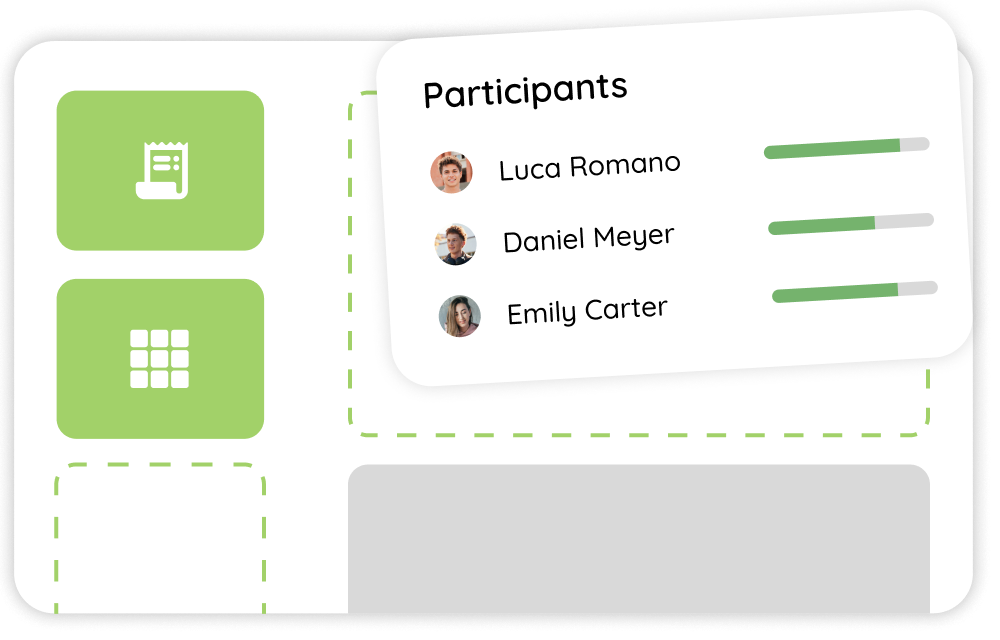
Give your learners full visibility
Do your participants follow long-term training programmes or multiple training programmes? Then you’ll want to give them ongoing visibility into their progress and share recommendations for new courses.
The Training portal helps you with:
Balance management for learners
Launch e-learning courses straight from your portal
Personalize your course catalog based on competencies
Let learners see their results
Frequently asked questions
About the Software
What exactly is Coachview?
Put simply, Coachview is course administration software, but it’s really a solution for your entire back office. All education logistics processes can be handled or automated in Coachview. That gives you more control and visibility, and reduces manual work and duplicate entry.
Can I switch easily from another system?
Yes, you can—and we’ll help you with it too! Importing your existing training data into Coachview is part of the full implementation process that you go through with us.
What languages is Coachview available in?
Our training software can be set to Dutch, English, German, and French. The Knowledge base is available in Dutch and English.
What devices can I use Coachview on?
Coachview is a SaaS application. That means you always use Coachview through a web browser. Think of Google Chrome, Internet Explorer, etc. So you can use it on any device with a browser. That includes laptops, desktops, smartphones, tablets, and smart TVs if you want.
Which web browsers does Coachview work in?
All of them. Do you always keep your browser up to date? Then we work on these browsers:
Firefox
Safari
Chrome
Edge
If you or your organization use older browsers, we support Internet Explorer 10+ as best we can. However, this browser has been declared end-of-life by Microsoft, so not all Coachview features will work properly in it.
Firefox
Safari
Chrome
Edge
If you or your organization use older browsers, we support Internet Explorer 10+ as best we can. However, this browser has been declared end-of-life by Microsoft, so not all Coachview features will work properly in it.
Which software systems can Coachview integrate with?
We totally get that, alongside Coachview, you also use other tools. That’s why we integrate with most of them. On our integrations page you’ll find an up-to-date overview of all our integrations. Is yours not listed? Then we’re always happy to chat with you about still building it!
About the license
How much does Coachview cost?
One of the most important questions: what does a handy course administration tool actually cost? Even with our smart modular setup, that isn’t an easy one to answer. After all, we don’t know how your process is set up yet, and you don’t yet know the best way to use our modules to cover all your workflows. That’s why we recommend requesting a demo—then we’ll calculate the price based on your unique process and what you do and don’t need. Want a price indication already? Then check out the pricing page.
What is a user?
A user is a staff member at your organization who logs into Coachview. Each staff member has a different role and set of responsibilities. Different modules go with those responsibilities. You decide which user should have which modules. Do teachers need to be able to log into Coachview? We have a special arrangement for that.
How long is the license term?
You pay for our course management software per user, per month. That means you’re free to disable users each month, or cancel entirely if you want to.
Does Coachview offer any discounts on the monthly fee?
Think you’ll be a high-volume Coachview user? Then we can offer a good volume discount. We’ll always work this out during a demo.
What’s included in the license fees, and what isn’t?
You pay licensing costs for Coachview’s modules. Within your license, you get unlimited access to our helpdesk and Knowledge base, and you can attend all of our workshops for free. For other things like custom reports, implementation support, and project work, we charge one-time fees. We always work these out during a demo, so you won’t run into any unpleasant surprises later on
Is there a cancellation notice period?
Not at all. Coachview works with a monthly subscription. You pay in advance for the upcoming month. Want to stop? Just cancel before the next month starts. Reactivating a module is just as easy. Ideal for growing at your own pace.